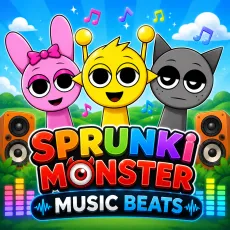
Sprunki Monster Music Beats
- Left mouse button - drag monsters into the mix
- Click a creature - mute or unmute its roar
- Drag away - banish a monster
- Reset - clear the stage



WHAT IS SPRUNKI MONSTER MUSIC BEATS?
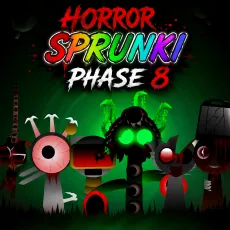
Sprunki Monster Music Beats swaps the cast for a roster of creatures - hulking, toothy, gloriously ugly monsters whose sounds match their looks. Growls become basslines, roars become drops, and stomping feet drive the percussion. It is the heaviest-sounding mod in the family, closer to a monster-movie score than a pop track.
How to Play
Drag monsters onto the stage to build your beat. The palette rewards weight: lay down stomp percussion, add a growl bass, then top with the shrieking melodic creatures. Because every loop is thick, less is more - three well-chosen monsters often out-groove a crowded stage. Combo hunters will find creature-feature events hidden in themed lineups.
Controls
- Left mouse button - drag monsters into the mix
- Click a creature - mute or unmute its roar
- Drag away - banish a monster
- Reset - clear the stage
Tips for heavier mixes in Sprunki Monster Music Beats
- Build around one bass growl - two will muddy the track.
- Stomp loops sync tightest; use them as your metronome.
- Shriek characters cut through everything: deploy sparingly.
Why Sprunki Monster Music Beats stands apart
Every other mod chases melody; this one chases weight. The loops are engineered like a film score's low end, and a good monster mix feels physically heavy in headphones. If your taste runs to bass and brutality, this is your soundboard.
FAQs
Is Sprunki Monster Music Beats free to play?
Yes. Sprunki Monster Music Beats is free to play in the browser, no download required.
What are the controls for Sprunki Monster Music Beats?
Mouse controls: drag monsters with the left button, click to mute or unmute, and reset to empty the stage.
Can I play Sprunki Monster Music Beats on mobile?
Yes. Sprunki Monster Music Beats works well on phones and tablets - drag-and-drop mixing translates naturally to touch. Press and hold a character to pick them up, drag them onto the stage, and tap any performer to mute or unmute their loop. Desktop offers finer control when the stage gets crowded, but the full experience is available on touchscreens with nothing extra to install.