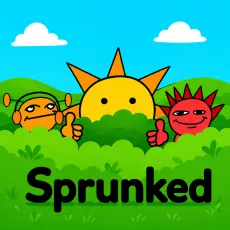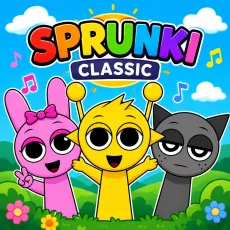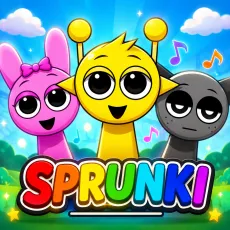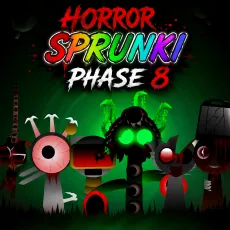
Sprunki Rejoyed
- Left mouse button - drag and arrange the cast
- Click a performer - mute or unmute
- Drag off stage - remove a character
- Reset - start a new mix





WHAT IS SPRUNKI REJOYED?
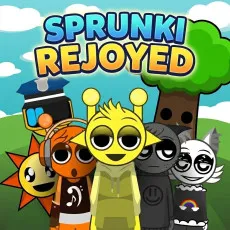
Sprunki Rejoyed is a remaster-style retake that treats the classic cast with reverence. Instead of twisting the characters into horror versions, it upgrades them: redrawn sprites with more expressive animation, loops re-recorded with fuller sound, and small quality-of-life touches across the stage. The name fits, it is the original, re-enjoyed.
How to Play
Everything works the way classic Sprunki taught you: drag characters onto the stage, stack their loops, mute performers to sculpt the mix. The upgrade is in the details - richer bass, cleaner vocal layers, and animations that react more visibly to the track. Classic combos still work and look better than ever when they trigger.
Controls
- Left mouse button - drag and arrange the cast
- Click a performer - mute or unmute
- Drag off stage - remove a character
- Reset - start a new mix
What Sprunki Rejoyed improves
- Re-recorded loops with noticeably fuller sound.
- More expressive character animation across the whole cast.
- Familiar combos, upgraded payoff animations.
Why Sprunki Rejoyed is worth playing over the original
Remasters are easy to dismiss until you hear the difference. Rejoyed makes the classic loops feel like they finally have room to breathe and for players who bounced off the aging original, it is the friendliest possible re-entry point. Purists lose nothing; everyone else gains polish.
FAQs
Is Sprunki Rejoyed free to play?
Yes. Sprunki Rejoyed is free and runs in your browser with no installation.
What are the controls for Sprunki Rejoyed?
Mouse only: drag characters to the stage with the left button, click them to mute or unmute, and reset anytime.
Can I play Sprunki Rejoyed on mobile?
Yes. Sprunki Rejoyed works well on phones and tablets - drag-and-drop mixing translates naturally to touch. Press and hold a character to pick them up, drag them onto the stage, and tap any performer to mute or unmute their loop. Desktop offers finer control when the stage gets crowded, but the full experience is available on touchscreens with nothing extra to install.