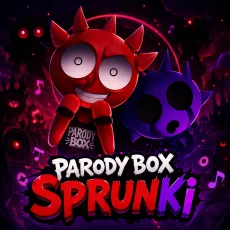
Sprunki Parodybox
- Left mouse button - drag and drop the parody cast
- Click a character - mute or unmute the joke
- Drag away - cut a performer from the bit
- Reset - clean slate for the next gag





WHAT IS SPRUNKI PARODYBOX?
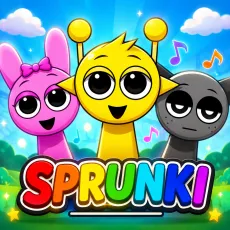
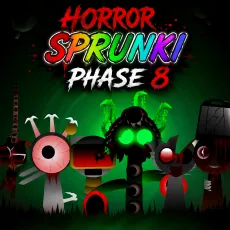
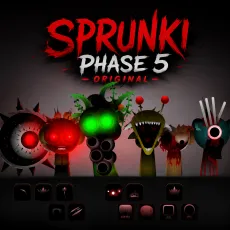
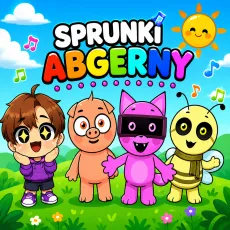
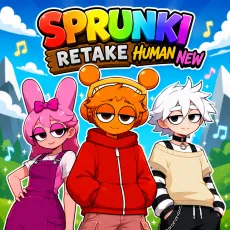
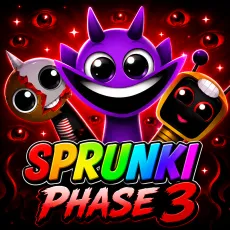
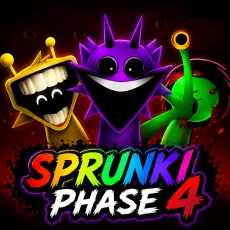
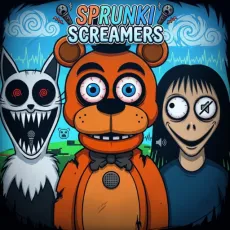
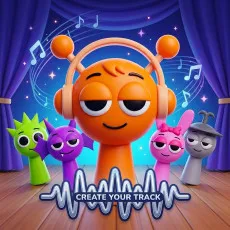
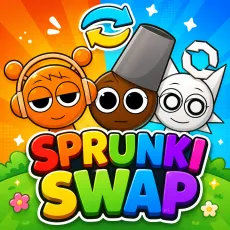
Sprunki Parodybox is the series laughing at itself. The roster is a parade of joke versions, exaggerated redesigns, and meme-flavored takes on familiar characters, each with loops that lean comedic - silly vocal runs, novelty sound effects, and beats that wink at the originals. It is the mod to play when you want your mixing session to make you grin.
How to Play
Drag parody characters onto the stage to stack their loops. The comedy is layered into the audio, so combinations matter differently here: some pairings harmonize, others deliberately collide for laughs. Chase the absurd combos - the mod hides its best gags behind lineups that no serious mixer would try, which is exactly the point.
Controls
- Left mouse button - drag and drop the parody cast
- Click a character - mute or unmute the joke
- Drag away - cut a performer from the bit
- Reset - clean slate for the next gag
Highlights of Sprunki Parodybox
- Joke redesigns that affectionately roast the classic cast.
- Novelty loops that still lock to the beat - silly, not sloppy.
- Hidden gag animations for the most cursed combinations you can build.
Why Sprunki Parodybox lands the joke
Parody mods usually sacrifice the music for the meme; Parodybox keeps both. Underneath the gags, the loops are genuinely well-synced, so your dumbest lineup still grooves. That balance - funny first, functional always - is why it stays installed after the first laugh.
FAQs
Is Sprunki Parodybox free to play?
Yes. Sprunki Parodybox is free and browser-based, with no download required.
What are the controls for Sprunki Parodybox?
Just the mouse: drag characters onto the stage, click them to mute or unmute, and reset whenever the bit is over.
Can I play Sprunki Parodybox on mobile?
Yes. Sprunki Parodybox works well on phones and tablets - drag-and-drop mixing translates naturally to touch. Press and hold a character to pick them up, drag them onto the stage, and tap any performer to mute or unmute their loop. Desktop offers finer control when the stage gets crowded, but the full experience is available on touchscreens with nothing extra to install.