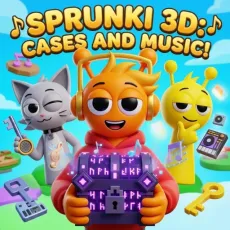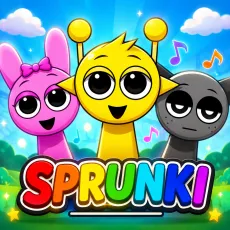

Musical Sprunki 3D! Create Your Track!
- Left mouse button - select and place characters
- WASD or arrow keys - move around the stage
- Mouse drag - rotate the camera
- Click a performer - mute or unmute their loop








WHAT IS MUSICAL SPRUNKI 3D?
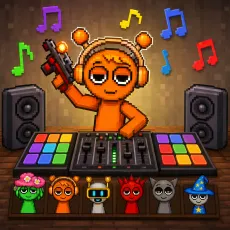
Musical Sprunki 3D! Create Your Track! rebuilds the mixing formula in three dimensions. The stage becomes a 3D space you can move around, characters stand where you place them, and the sound design follows the camera - walk toward the drummer and the percussion swells. It is the most spatial version of the beat-making toy yet.
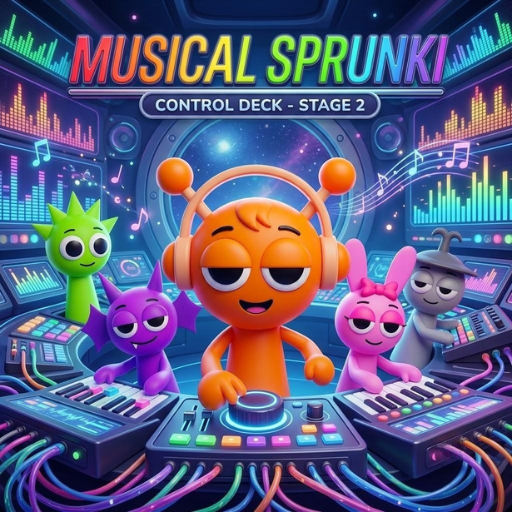 Musical Sprunki 3D! Create Your Track!
How to Play
Select characters and position them anywhere on the 3D stage. Each performer loops their sound, and your listening position matters: move the camera to blend the mix live, favoring whichever layers you want up front. Arrange performers in clusters for tight grooves or spread them wide for a stereo playground. It rewards both composing and exploring.
Controls
- Left mouse button - select and place characters
- WASD or arrow keys - move around the stage
- Mouse drag - rotate the camera
- Click a performer - mute or unmute their loop
What 3D adds to the Sprunki formula
- Spatial audio: your position becomes the mixing desk.
- Freeform placement - build stages, circles, or scattered festival layouts.
- Exploring your own track from inside it is a genuinely new feeling.
Why Musical Sprunki 3D is worth exploring
Hearing a mix is one thing; standing inside it is another. The 3D remake turns a soundboard into a place - you compose, then wander your own song like a visitor. For players who have exhausted flat mixers, this is the format's most interesting evolution.
FAQs
Is Musical Sprunki 3D free to play?
Yes. Musical Sprunki 3D! Create Your Track! is free and browser-based with no installation required.
What are the controls for Musical Sprunki 3D?
Use the mouse to place characters and rotate the camera, WASD or arrows to move, and click performers to mute or unmute them.
Can I play Musical Sprunki 3D on mobile?
Yes. Musical Sprunki 3D works well on phones and tablets - drag-and-drop mixing translates naturally to touch. Press and hold a character to pick them up, drag them onto the stage, and tap any performer to mute or unmute their loop. Desktop offers finer control when the stage gets crowded, but the full experience is available on touchscreens with nothing extra to install.