Sprunki 3D: Cases and Music!
- Left mouse button - open cases and place characters
- Click a performer - mute or unmute
- Collection menu - browse your roster
- Reset - clear the stage










WHAT IS SPRUNKI 3D: CASES AND MUSIC!?
Sprunki 3D: Cases and Music! wraps the mixer in a collector's loop: characters come from cases you open, rendered in full 3D, and every pull expands the roster you can bring to the stage. Rare characters carry rarer sounds, so opening cases is not just about the collection screen - each unlock changes what your music can be.
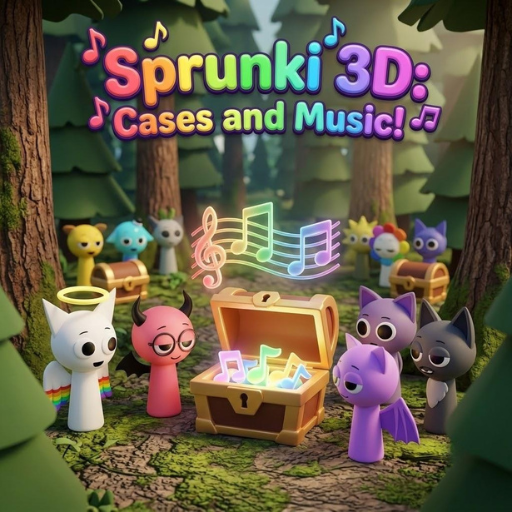
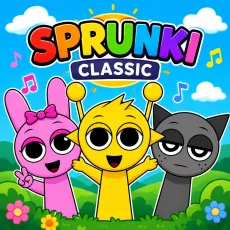
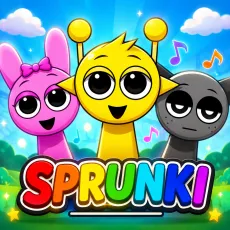
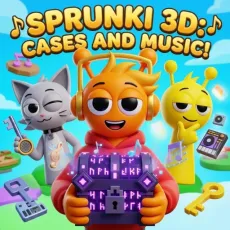
Meet the colorful cast in Sprunki 3D: Cases and Music!
How to Play
Open cases to pull characters of varying rarity, then take your collection to the stage and mix. Common pulls cover the fundamentals - beats, simple melodies - while rares bring the distinctive loops that define a track. Duplicate pulls feed progression, and the drive to complete the roster keeps the case-opening loop spinning.
Controls
- Left mouse button - open cases and place characters
- Click a performer - mute or unmute
- Collection menu - browse your roster
- Reset - clear the stage
Tips for collectors in Sprunki 3D: Cases and Music!
- Build with commons first - a solid rhythm section makes rare loops shine.
- Check the collection screen for set bonuses before spending.
- Rare does not always mean better for your track; mix by ear, not rarity color.
Why the case system works
Case-opening taps the same anticipation as any gacha, but here the reward is playable: a new voice for your next track. That grounding keeps the loop satisfying, you are not collecting for a number, you are collecting for a sound. Just watch the clock; 'one more case' is a lie everyone tells.
FAQs
Is Sprunki 3D: Cases and Music! free to play?
Yes. Sprunki 3D: Cases and Music! is free to play in the browser with no download needed.
What are the controls for Sprunki 3D: Cases and Music!?
Mouse controls: click to open cases, drag characters to the stage, and click performers to mute or unmute their loops.
Can I play Sprunki 3D on mobile?
Yes. Sprunki 3D works well on phones and tablets, drag-and-drop mixing translates naturally to touch. Press and hold a character to pick them up, drag them onto the stage, and tap any performer to mute or unmute their loop. Desktop offers finer control when the stage gets crowded, but the full experience is available on touchscreens with nothing extra to install.