Virtual Online Piano





VIRTUAL ONLINE PIANO OVERVIEW
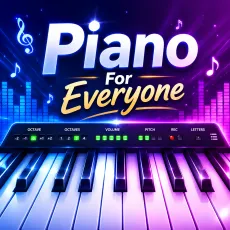
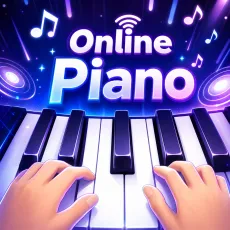
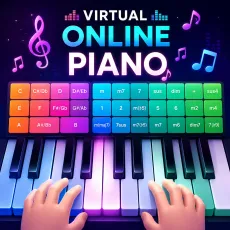
You don't need a real keyboard to enjoy playing music. Virtual Online Piano is an online piano simulator that transforms your browser into a responsive digital instrument with realistic sounds and intuitive controls. Whether you're practicing familiar melodies, learning note positions, or simply improvising for fun, it's an easy way to explore the piano anytime.
GAMEPLAY OVERVIEW
Unlike traditional rhythm games, Virtual Online Piano has no levels, timers, or scores. Every key responds instantly, allowing you to experiment with melodies at your own pace. You can practice scales, recreate your favorite songs, or test new musical ideas using a full-sized keyboard layout. Helpful features like chord assistance and octave switching make the experience enjoyable for both beginners and experienced players.
Controls
Mouse
- Click any piano key to play a note.
Keyboard
White Keys
- Caps Lock, A, S, D, F, G, H, J, K, L, ;, ', ←
Black Keys
- Q, W, R, T, Y, I, O, [, ], Enter
Tips
- Start with simple melodies before trying full songs.
- Use fullscreen mode for a more comfortable playing experience.
- Learn the keyboard layout to play without looking at the keys.
- Practice both hands separately before combining them.
Features
- Full-sized virtual piano with realistic sound.
- Responsive keyboard and mouse controls.
- Built-in chord assistance for easier learning.
- Octave switching for a wider note range.
- Works directly in your browser with no download required.
- Compatible with desktop and mobile devices.
KEEP EXPLORING THE WORLD OF MUSIC
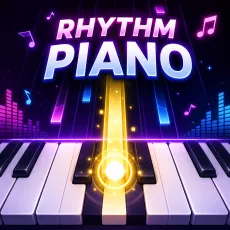
Try out more music games and interactive instruments to practice, perform, and enjoy music in different ways: Piano Cat, Rhythm Piano, Magic Tiles 3.