PLAYMUSIC
- Left mouse button - drag performers onto the stage
- Click a performer - mute or unmute
- Drag off stage - remove from the mix
- Record button - capture your track

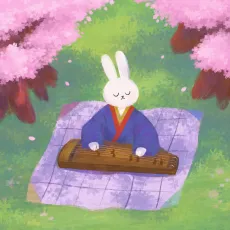
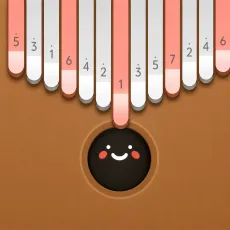
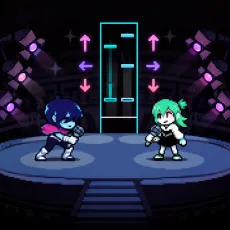



What is PLAYMUSIC?
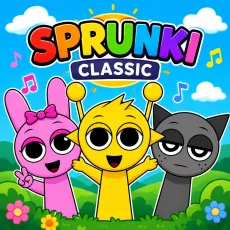
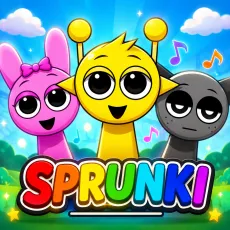
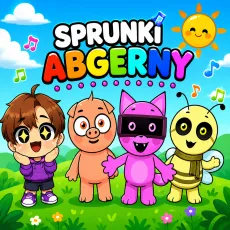
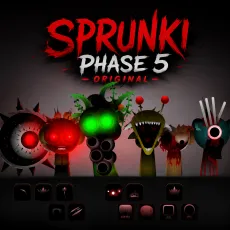
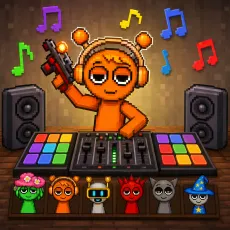
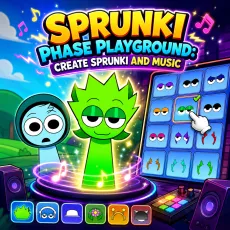
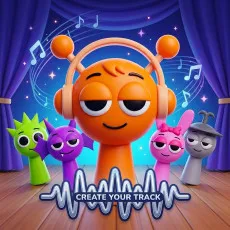
PLAYMUSIC is a streamlined music-creation game in the character-mixer tradition: a stage, a roster of performers, and a groove that grows with every addition. It strips the format to its essentials - no lore, no horror twist, just clean loops and instant feedback - which is exactly why it sits at the top of the music charts on the platforms that carry it.
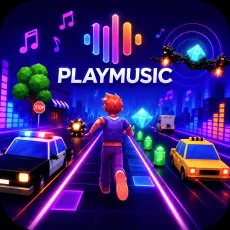
 PLAYMUSIC: Run to the Rhythm
How to Play
Drag performers onto the stage and each one locks its loop into the mix. The roster covers the fundamentals - percussion, bass, melody, vocals, effects and the loops are engineered to blend, so experimentation is always rewarded. Mute and swap freely to sculpt your track, and use the recording option to keep mixes you are proud of.
Controls
- Left mouse button - drag performers onto the stage
- Click a performer - mute or unmute
- Drag off stage - remove from the mix
- Record button - capture your track
Why PLAYMUSIC is a great everyday mixer
- Zero learning curve: your first session produces a real track.
- Clean, genre-neutral loops that suit any mood.
- Fast reset-and-rebuild flow for quick creative bursts.
Why PLAYMUSIC tops the charts
In a scene full of themed mods, PLAYMUSIC wins by subtraction: nothing between you and the groove. It is the mixer you recommend to someone who has never touched the genre and the one veterans keep around for palate-cleansing sessions between weirder games.
FAQs
Is PLAYMUSIC free to play?
Yes. PLAYMUSIC is completely free and runs in your browser with no download or account.
What are the controls for PLAYMUSIC?
Mouse controls: drag performers on and off the stage with the left button and click them to mute or unmute their loops.
Can I play PLAYMUSIC on mobile?
Yes. PLAYMUSIC works well on phones and tablets - drag-and-drop mixing translates naturally to touch. Press and hold a character to pick them up, drag them onto the stage, and tap any performer to mute or unmute their loop. Desktop offers finer control when the stage gets crowded, but the full experience is available on touchscreens with nothing extra to install.