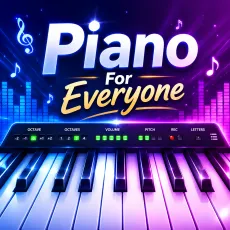
Piano For Everyone
- Mouse click - play individual keys
- Computer keyboard - letter keys mapped to notes
- Multiple simultaneous keys - chords
- Octave options - shift your range


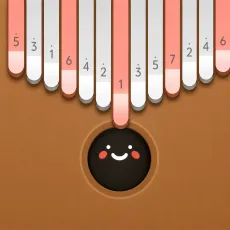



WHAT IS PIANO FOR EVERYONE?
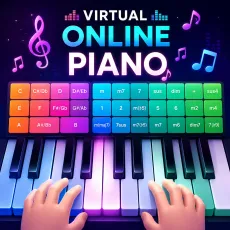
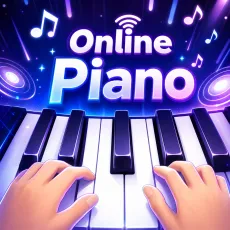
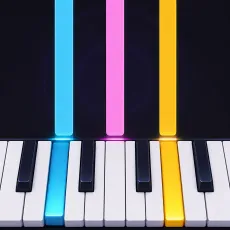
Piano for everyone is exactly what the name promises: a browser piano built for absolutely anyone. A full keyboard, responsive sound, and zero barriers - no sheet music required, no lessons assumed. Whether you want to pick out a melody by ear, test a chord, or let a child discover cause-and-effect through sound, it is ready the moment the page loads.
How to Play
Click keys with the mouse or use your computer keyboard, where letters map to notes for two-handed play. Experiment freely: try simple one-finger melodies, stack keys into chords, or follow any tutorial video with the browser piano standing in for the real thing. Nothing is graded and nothing can be done wrong - it is an instrument, not an exam.
Controls
- Mouse click - play individual keys
- Computer keyboard - letter keys mapped to notes
- Multiple simultaneous keys - chords
- Octave options - shift your range
What Piano for everyone does well
- Instant sound with no setup - faster than opening a piano app.
- Keyboard mapping is comfortable enough for real two-handed practice.
- A safe first instrument for kids: nothing to break, mute, or misconfigure.
Why a simple browser piano earns its keep
Not every music game needs a score screen. Sometimes the itch is just to play a few notes - sketch a melody stuck in your head, check an interval, or give a kid their first taste of an instrument. Piano for everyone serves that moment perfectly, and its simplicity is the entire point.
FAQs
Is Piano for everyone free to play?
Yes. Piano for everyone is completely free and runs in your browser - no download or sign-up.
What are the controls for Piano for everyone?
Click keys with the mouse or play with your computer keyboard, where letters correspond to notes. Press several at once for chords.
Can I play Piano for everyone on mobile?
Yes. Piano for everyone runs in mobile browsers, and tapping the on-screen keys works well for melodies and simple chords. That said, the desktop version has an edge: your computer keyboard doubles as the instrument, letting you play faster passages with both hands. For casual play use whatever is in reach - for real practice, a keyboard helps.