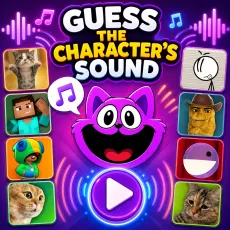
Guess the character's sound
- Left mouse button - pick your answer
- Replay - hear the clip again
- Streak display - your bragging rights
- Next - jump to the following round













What is Guess the character's sound?
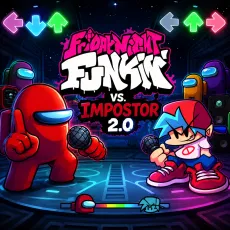
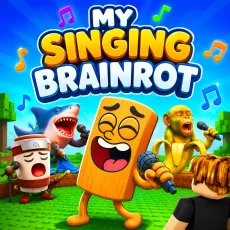
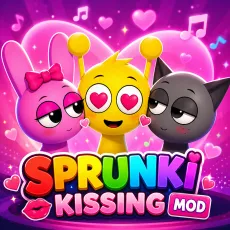
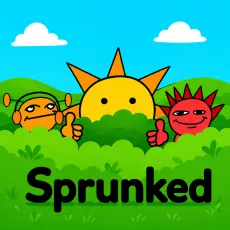
Guess the character's sound is an audio quiz spanning the wider meme and gaming universe: a clip plays, several characters appear, and you match the sound to its owner. The pool draws from viral games, cartoons, and internet culture, so every round is a little exam in how chronically online you are.
How to Play
Listen to the sound, study the candidate characters, and click your answer before second-guessing ruins you. Rounds escalate from unmistakable icons to obscure sounds only true veterans will place. Streaks reward consistency, and wrong answers immediately show the correct match - so even losing expands your meme vocabulary.
Controls
- Left mouse button - pick your answer
- Replay - hear the clip again
- Streak display - your bragging rights
- Next - jump to the following round
Tips for Guess the character's sound
- Era matters: date the sound first, then match it to a character from that era.
- Beware sound-alikes - the quiz loves pairing similar voices as options.
- Play with friends and alternate rounds; arguments improve retention.
Why sound quizzes hit different
Visual quizzes give your brain too much help; audio strips it away. There is a genuinely satisfying click when a sound you have heard a thousand times finally attaches to its owner and a special humiliation when it does not. Both feelings keep the next-round button busy.
FAQs
Is Guess the character's sound free to play?
Yes. Guess the character's sound is free to play in the browser - no download needed.
What are the controls for Guess the character's sound?
Mouse only: click to answer, replay clips as needed, and advance through rounds at your own pace.
Can I play Guess the character's sound on mobile?
Yes - quiz games are a perfect fit for phones, and Guess the character's sound is no exception. The rounds are short, the interface is tap-friendly, and audio clips play cleanly in mobile browsers. Just use headphones in public unless you want everyone nearby judging your answers. Progress works the same on desktop and mobile, so play wherever the mood strikes.