Geometry: Black Wave 2
- Hold left mouse button or spacebar - angle up
- Release - angle down
- Tempo discipline - match taps to the current section, not the last one
- Instant retry - endless attempts, zero loading



WHAT IS GEOMETRY: BLACK WAVE 2 ?
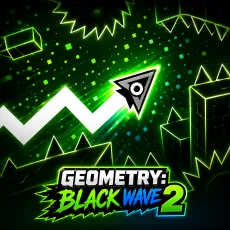
Geometry: Black Wave 2 is the sequel to the monochrome wave-runner, and it assumes you finished the first. The corridors are tighter, the tempo shifts arrive mid-pattern, and new hazard types - moving walls, pulsing chokepoints - join the sawtooth classics. Same stark aesthetic, meaner execution.
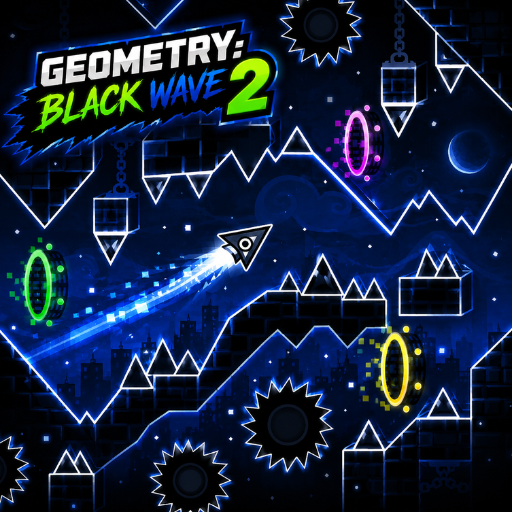 Master the Black Wave
How to Play
Control is unchanged: hold to angle up, release to angle down, thread the diagonal path through whatever the level throws. What changed is the reading challenge - Black Wave 2 loves switching rhythm mid-phrase, forcing you to abandon a comfortable tapping tempo exactly when comfort sets in. Survive the transitions and the straights feel like rest stops.
Controls
- Hold left mouse button or spacebar - angle up
- Release - angle down
- Tempo discipline - match taps to the current section, not the last one
- Instant retry - endless attempts, zero loading
Tips for the tempo traps of Black Wave 2
- Treat every musical transition as a warning: the pattern will change with it.
- Moving walls reward early commitment - pick your gap and hold course.
- If a section feels impossible, your tapping tempo is probably one section old.
Why Black Wave 2 is a worthy sequel
Sequels to precision games usually just add speed; Black Wave 2 adds deception. The mid-phrase tempo switches attack your muscle memory rather than your reflexes, which is a smarter kind of difficult. Veterans of the first game will die in new ways and appreciate every one of them.
FAQs
Is Geometry: Black Wave 2 free to play?
Yes. Geometry: Black Wave 2 is free to play in your browser with no installation.
What are the controls for Geometry: Black Wave 2?
Identical to the original: hold to angle the wave up, release to drop - but stay alert for mid-section rhythm changes.
Can I play Geometry on mobile?
Yes. Geometry plays smoothly on mobile - the one-touch control scheme maps directly to a touchscreen: press and hold anywhere to act, lift your finger to release. Many players actually prefer touch for this style of runner, since finger taps feel more immediate than mouse clicks. For the hardest precision sections, a desktop keyboard still gives slightly steadier timing.