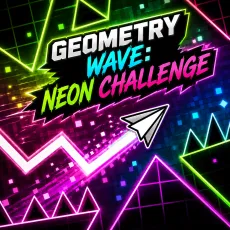
Geometry Wave: Neon Challenge
- Hold left mouse button or spacebar - angle upward
- Release - angle downward
- Watch the glow - brightening hazards are about to matter
- Instant retry - die and dive back in


WHAT IS GEOMETRY WAVE: NEON CHALLENGE?
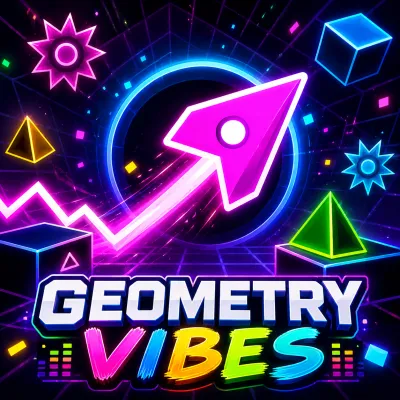
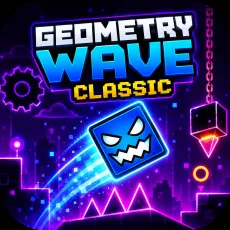
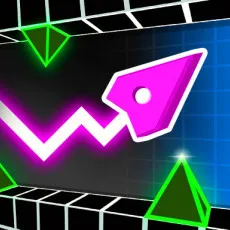
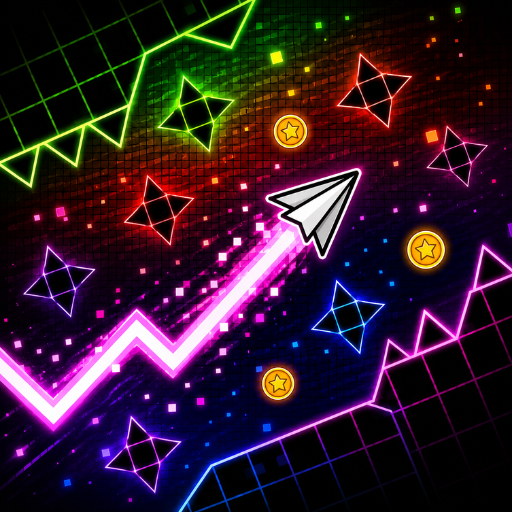
Geometry Wave: Neon Challenge drops the wave form into a world of blazing color. Neon environments pulse with the soundtrack, obstacles glow before they strike, and your zigzagging craft leaves light trails through it all. It is the flashiest take on wave control and the glow is functional, not just pretty.
How to Play
Standard wave rules: hold to angle up, release to angle down, never fly straight. The neon twist is telegraphing - hazards brighten on the beat before they become lethal, so the light show is also your early-warning system. Learn to read the glow and sections that look impossible become choreography.
 Geometry Wave: Neon Challenge
Controls
- Hold left mouse button or spacebar - angle upward
- Release - angle downward
- Watch the glow - brightening hazards are about to matter
- Instant retry - die and dive back in
Tips for thriving in the Neon Challenge
- Trust the brightness cue: glow now, dodge next beat.
- In heavy sections, track the darkest path - dim means safe.
- Light trails show your last three seconds; use them to debug deaths.
Why Geometry Wave: Neon Challenge is more than a light show
Style this loud usually hides shallow design, but here the aesthetic is a mechanic: the game literally shows you the future one beat early, then dares you to act on it. That glow-reading skill gives Neon Challenge its own identity in a crowded field of wave runners.
FAQs
Is Geometry Wave: Neon Challenge free to play?
Yes. Geometry Wave: Neon Challenge is free, browser-based, and requires no download.
What are the controls for Geometry Wave: Neon Challenge?
Hold the left mouse button or spacebar to climb, release to fall and keep your eyes on the brightening hazards.
Can I play Geometry Wave on mobile?
Yes. Geometry Wave plays smoothly on mobile - the one-touch control scheme maps directly to a touchscreen: press and hold anywhere to act, lift your finger to release. Many players actually prefer touch for this style of runner, since finger taps feel more immediate than mouse clicks. For the hardest precision sections, a desktop keyboard still gives slightly steadier timing.